Imagine finishing a conversation with a customer. They asked how your service works, you explained it, and they knew what to do next.
Ten minutes later, you try recording the same explanation for a video. You start with a formal introduction, lose your place, and begin again. Somehow, the answer that felt easy a moment ago is hard to get out.
If you recognize that situation, I’d go back to the original conversation before working on the camera setup.
What did the person ask? What did you say that helped them understand?
Use that as the subject of your first video. It gives you a specific person to help and an answer you already know.
Keep the conversation in view
Write the customer’s question at the top of your notes. Underneath it, list the few things they need to understand.
For a question about a first appointment, you might explain what you’ll cover, what to bring, and what happens afterward. Use the details from your actual process.
Try an opening such as, “Thinking about booking a first appointment? Here’s what to expect.” Then give the answer.
A script is fine if it helps you. Read it aloud and change anything that sounds awkward to say. If you’re more comfortable with bullet points, use those instead.
I’d aim for roughly a minute as a starting exercise. Give yourself enough time to explain the answer clearly, and save a related question for another video if it needs its own explanation.
Make a quick test recording
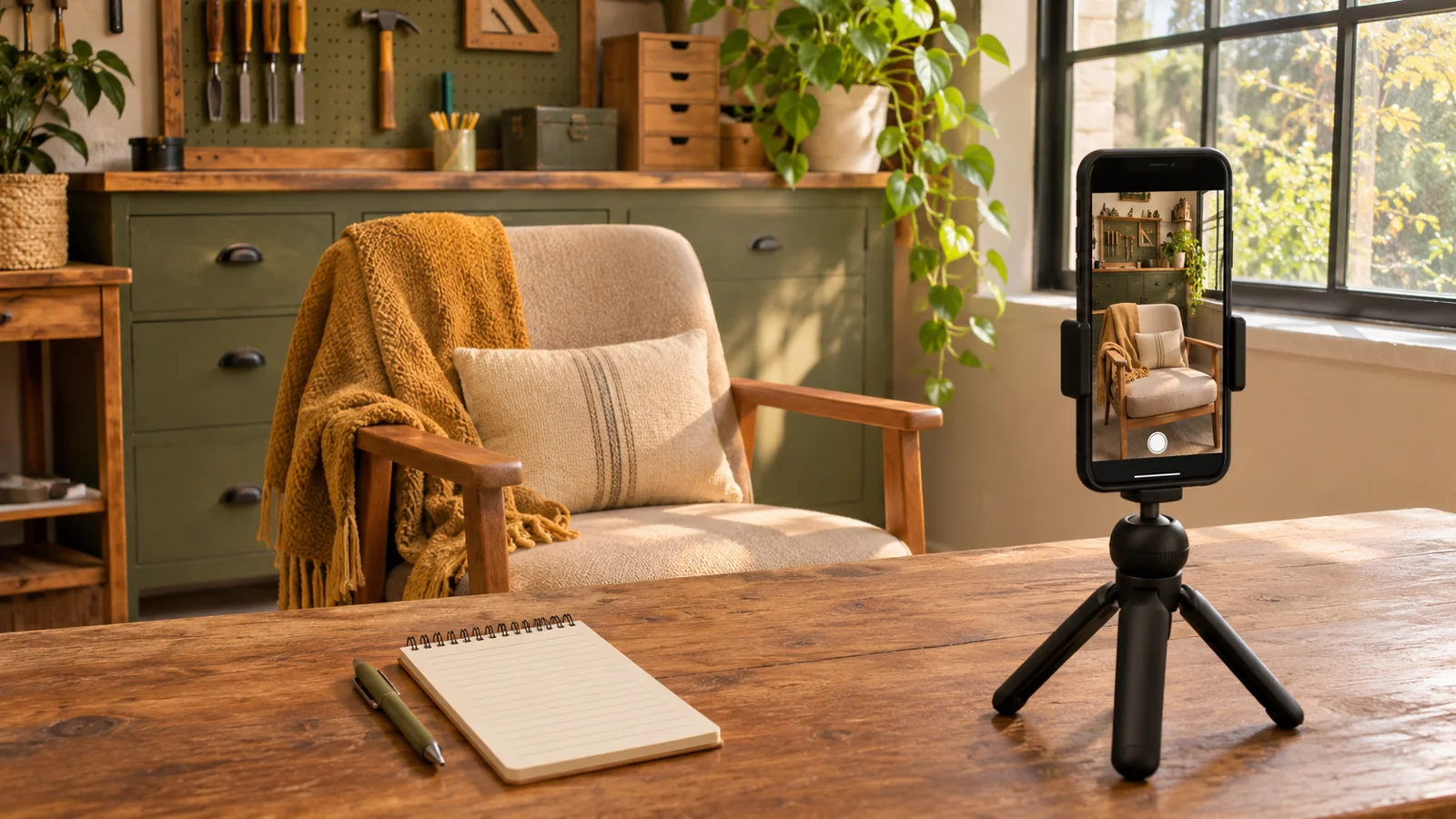
Use your phone and a secure stand or tripod. Put the camera around eye level, clean the lens, and find a place where light falls on your face. A window in front of you or slightly to the side is a simple place to start.
Choose a quiet spot and record a short test. Play it back at a normal listening volume. Check that your face is visible and your voice is easy to hear.
If background noise competes with you, try another location. You can also move closer to the phone or use a compatible microphone if you need to improve the sound.
For a first video intended for a phone feed, I’d film vertically. For a conventional YouTube video or a wide player on your website, I’d choose horizontal framing. Pick the main destination before recording.
Give yourself room to pause
Look toward the lens and imagine the customer who asked the question. If you lose your place, pause and repeat the sentence. You can remove the restart when you edit.
Trim the waiting at the beginning and end. Keep any pauses that help the answer sound natural, and remove the ones that get in the way.
Add captions and check any automatic transcription, especially names and industry terms. Watch the whole video once before posting to check the facts and make sure the next step is clear.
Save your notes and take a photo of the setup so you can use it again.
Before your next take, put the phone down and say the answer once as if that customer were still there. Then pick up your notes and record it.